What Templates Are Worth to a Weekly Host
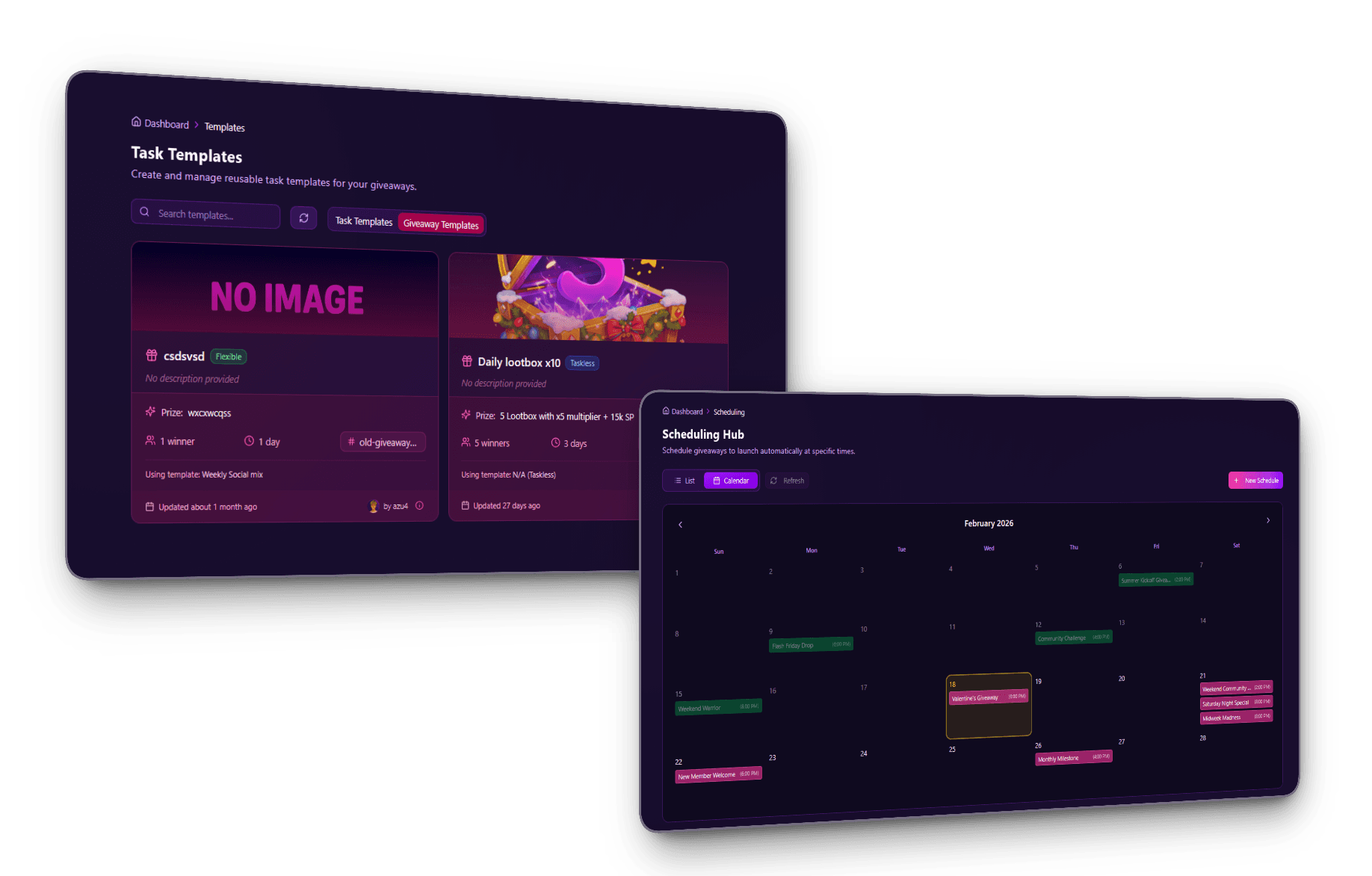
A template stores a giveaway's whole setup so the next one takes seconds instead of minutes. The Discord giveaway templates page covers what gets saved, how task templates and giveaway templates relate, and how to build one.
This post covers the part that page doesn't: the server quickstart layer that sets defaults for everyone on your server, exactly what wins when two sources of pre-fill collide, and how to keep a template library from going stale.
A fully configured giveaway with tasks, referrals, fraud settings, winner cooldown, and role pings takes 8 to 12 minutes to build from scratch. From a template it takes 30 to 60 seconds. Across a year of weekly giveaways that's roughly 10 hours of setup against 45 minutes.
The time is the smaller half. The bigger one is consistency. When every giveaway loads from the same template, members get the same task structure, the same referral mechanics, and the same branding week after week. That predictability is what turns a giveaway into part of the community rhythm instead of a one-off surprise.
How the Server Quickstart Sets Defaults for Your Whole Server
Templates solve "I want to reuse this exact giveaway." The server quickstart solves the layer above it. Every new giveaway on the server starts from your defaults without anyone choosing to. A quickstart is a regular giveaway template flagged as the server-wide default. When anyone opens the giveaway creation form, it auto-loads with that template's values. There is only ever one per server, and promoting a different template clears the previous flag in the same operation.
The Quickstart Is Just a Template With a Flag
It isn't a separate object type. It's a giveaway template with one boolean flipped on. Anything you can do with a template you can do with a quickstart: edit it, duplicate it, link it to a task template, schedule a giveaway from it. The flag is exclusive at the database level. Promote template B and template A loses the flag in the same atomic operation, so you never sit in a half-state with two competing defaults.
You can promote any existing template, demote one back, or swap which one holds the flag, all from the Templates tab. Editing the quickstart's contents is just editing a template. The difference is that the next person to open the giveaway form gets those values.
What Wins When Someone Opens the Giveaway Form
The quickstart auto-load is the lowest-priority pre-fill. Anything more specific beats it. Top to bottom, here's what wins when a creator hits the giveaway creation page:
- URL
?template=<id>→ that exact template loads. This is the "edit a template" flow, so the submit button reads "Update Template" and saving updates the template itself. - Scheduled-giveaway URL → the scheduled config loads as-is, because you're editing a queued launch.
- Recovery data, meaning an unsaved draft from the last 15 minutes → the recovery toast offers to restore it.
- Manual template-selector pick → whichever template the creator chooses inside the builder.
- Server quickstart → fills the form when none of the above is loading.
- Blank form → only when no quickstart is set and no other context is in play.
There's a guard rail on top of all of it. Once the creator has started typing into the form, the quickstart auto-load bails out. It will never overwrite in-progress input.
How the Quickstart Behaves on /giveaway taskless
The same quickstart applies through the bot's /giveaway taskless command. The Discord modal still collects the prize, optional description, duration, and winner count, and those fields always win on overlap. Everything else fills in silently from the quickstart: ping roles, blacklist roles, image, custom branding, winner cooldown, minimum account age, and any other server-wide defaults you've set.
There's one explicit exception, the channel. The bot path always uses what the creator picks via the optional channel: slash command parameter, or the channel where the command was invoked if the parameter is left blank. The quickstart's channel_id is dropped on this path by design. Discord modals can't include a channel picker, and locking creators into the quickstart's channel from Discord would remove their only way to redirect a giveaway. To post somewhere else, type channel:#announcements when running the command, or run the command in the channel you want.
When to Use the Quickstart vs a Named Template
The two layer cleanly. Treat the quickstart as your team-wide defaults, the conventions every new giveaway inherits without anyone remembering them. Point it at the campaign type you run most often. Treat named templates as on-demand variants, the campaign types that don't run every week. Sponsored launches, holiday giveaways, partnership drops, charity raffles. Those get loaded explicitly from the template selector.
Set a quickstart first, then build a small library for the specific campaign types you run. Most servers need one quickstart and two or three named templates to cover everything they do.
Feed a Template Into a Recurring Series
Templates save setup time. Recurring giveaways remove the launching entirely. The schedule form starts from the same saved setups as the builder, so a template you trust is one repeat rule away from a series that relaunches itself on your cadence. Every Monday at 7 PM, the 1st of each month, whatever rhythm you want, in your timezone.
That changes the weekly workflow into a one-time one:
- Build two or three giveaway templates covering your main campaign types
- Promote the one you run most often to server quickstart
- Turn the recurring rhythm into a series and set its cadence once
- Load a named template by hand only for the off-cadence campaigns
Recurring series are a paid-plan feature, and the recurring giveaways page lists which tiers include how many. For one-off launches queued in advance rather than a repeating rule, scheduled giveaways covers that path, and the guide on automating giveaway launches covers peak-time targeting and cadence strategy.
Real Use Cases
Templates pay off differently depending on how you use giveaways. These are the workflows that come up most.
Weekly Community Giveaway
The simplest pattern. One template configured for your standard community contest, reused every week with a different prize. Most hosts running this have:
- Entry mode: base-plus-bonus, so entry is easy and tasks give extras
- Task template: 3 or 4 tasks around Discord engagement and one primary social platform
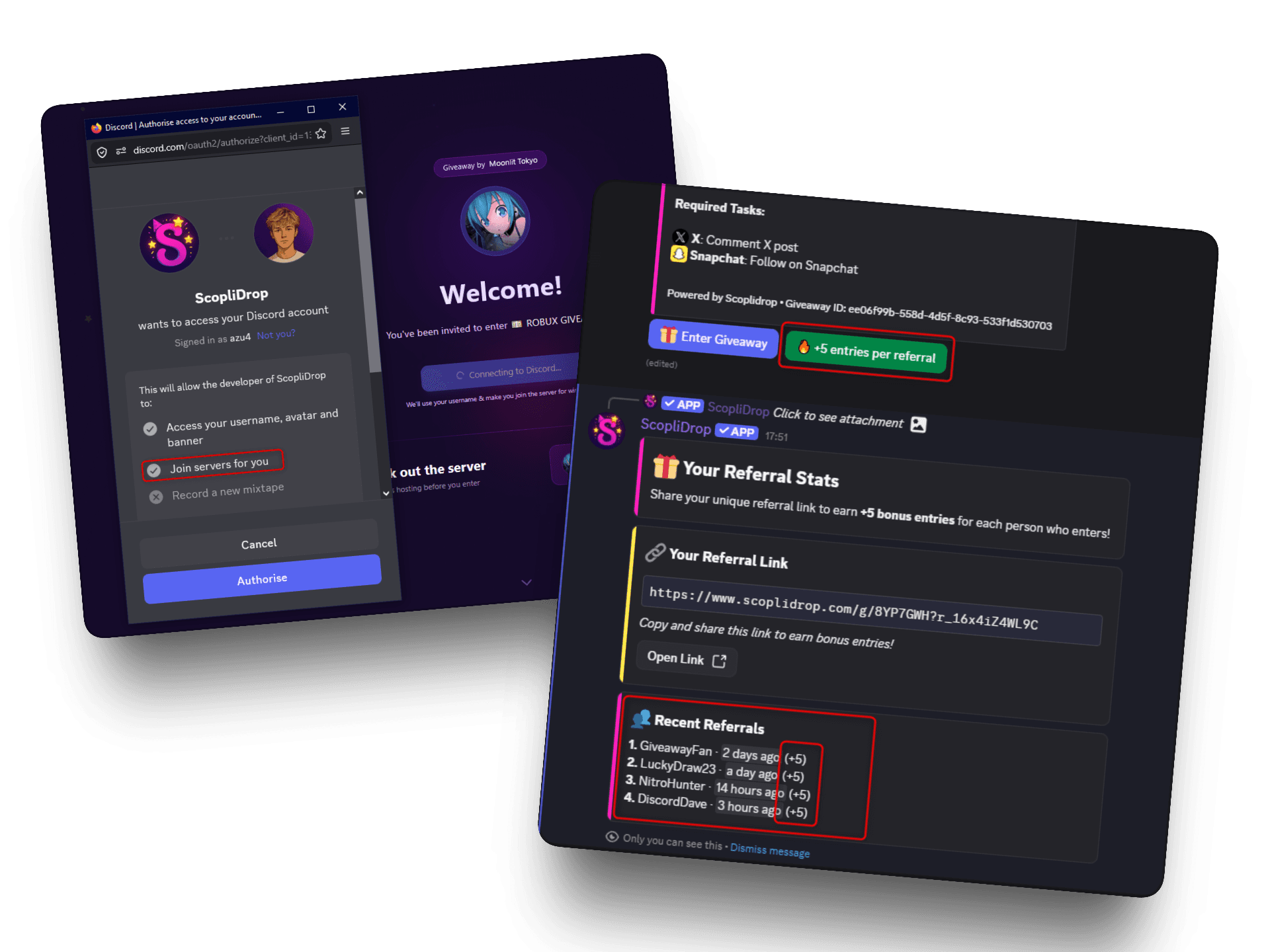
- Referral system: on, 10 bonus entries per referral, per-user cap of 3
- Duration: 48 to 72 hours
This is the one to promote to quickstart, then wrap in a recurring series.
Partner-Sponsored Giveaways
Collaborations change the structure. The sponsor's social accounts go in the tasks, the prize format is specific, and the announcement often needs its own channel. A separate template lets you match sponsor requirements without rebuilding.
Build once with a placeholder sponsor, clone it per partner, swap the sponsor-specific tasks. Two minutes per partner instead of twenty.
Product or Content Launch
Launch giveaways need to align with wherever the launch happens. A launch template might include:
- A website visit task pointing at the product page
- Email collection with Brevo integration feeding the launch list
- A follow on the primary social platform
- A Discord join for community support
The landing URL and email list change per launch. The structure stays.
Best Practices for Template Libraries
A disorganized template library is almost as bad as no templates. A few habits keep it useful.
Name templates by campaign type, not prize. "Weekly Community Giveaway" stays reusable forever. "Nitro Classic Giveaway" gets confusing the moment you give away something else with the same structure.
Extract shared task lineups. Task templates are the atomic unit. If you're rebuilding the same lineup across several giveaway templates, pull it into one task template and reference it. Then one edit updates everything using it.
Refresh quarterly. Platforms change, tasks get dated, new features ship. A template from six months ago may be using tasks that aren't the best option now. Audit the library every quarter.
Don't over-template. Three maintained templates beat ten stale ones. If one hasn't been used in three months, archive it. The point is speed, not coverage.
The first template is the hardest. Build one giveaway template and one task template before optimizing the whole system. Most of the value shows up on the first reuse. Everything after that is refinement.
Frequently Asked Questions
Set Your Giveaway Operations on Autopilot
Templates separate hosts who run giveaways as an occasional task from hosts who run them as a growth channel. Paired with a recurring series, they turn a weekly chore into something that runs in the background.
Build one template this week, promote it to server quickstart, and put it on a recurring cadence. Then check how much of your Sunday comes back.
Add ScopliDrop to your Discord server to build your first template.